Best AI Smart Glasses in 2026: What Actually Matters Before You Buy

AI eyewear has officially moved from gadget-show novelty to everyday carry, and in 2025 it is quietly reshaping how people capture memories, translate conversations, and receive hands-free information on the move. Today’s frames pack a camera, a voice assistant, open-ear speakers, and — in premium tiers — a private waveguide display that paints data straight into your field of view. This guide breaks down exactly what AI eyewear can do, how the major categories differ, and which pair actually deserves a spot in your everyday bag, so you can shop with confidence instead of guesswork.
What Is AI Eyewear, Exactly?
AI eyewear is any pair of glasses or sunglasses that combines traditional optics with an onboard processor, microphones, and — in most models — a camera, so the frame can see, hear, and respond to its surroundings. Unlike a basic Bluetooth headset shaped like glasses, true AI eyewear runs a voice assistant capable of answering questions, setting reminders, or describing what the camera sees in real time. In other words, the frame itself becomes a tiny, wearable computer rather than just a lens with a speaker bolted on.
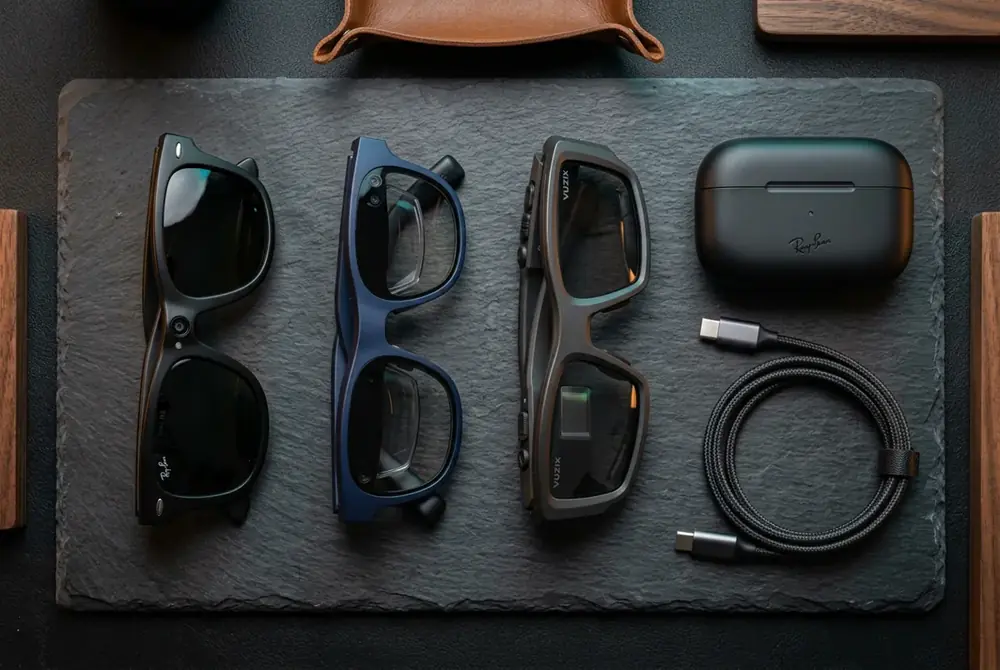
Because the category spans such a wide range of hardware, it helps to think of AI eyewear less as one product and more as four overlapping product families: camera-first glasses, audio-only smart sunglasses, full AR waveguide displays, and specialist accessibility or translation frames. Each one solves a different problem, and the “best” pair ultimately depends on which problem you are actually trying to solve — not on which spec sheet looks most impressive.
How Smart AI Glasses Actually Work
Every pair of smart AI glasses relies on roughly the same pipeline. Microphones capture your voice or the ambient conversation, a low-power chip processes it locally or sends it to the cloud, and a connected app or onboard assistant returns a response through tiny speakers or, less commonly, a built-in display. Consequently, the quality of the microphone array and the speed of the chip matter just as much as the headline camera resolution that most marketing pages lead with.
Many audio-first frames rely on bone conduction, which vibrates sound through the cheekbone instead of blocking the ear canal — a design choice that keeps you aware of traffic, coworkers, and your surroundings. Display-equipped models add a further layer of engineering called waveguide optics, a method of bending light through etched glass so a projected image appears to float in front of you without blocking normal vision. For a deeper technical explanation of how this differs from a traditional screen, Wikipedia’s overview of optical head-mounted displays is a genuinely useful primer. In contrast, camera-only and audio-only frames skip this complexity entirely, which is part of why they stay lighter, cheaper, and last longer on a single charge.
Types of Smart Glasses: Which AI-Powered Category Fits Your Life
Choosing well starts with scenario, not spec sheet. Below is a breakdown of the four main categories of AI eyewear on the market today, along with who each one actually suits. If you are torn between two approaches, our side-by-side comparison of Meta Ray-Ban Style AI Glasses vs. AR Display Glasses walks through the trade-offs in far more detail than any single section here can.
Camera-First AI Smart Glasses for Creators
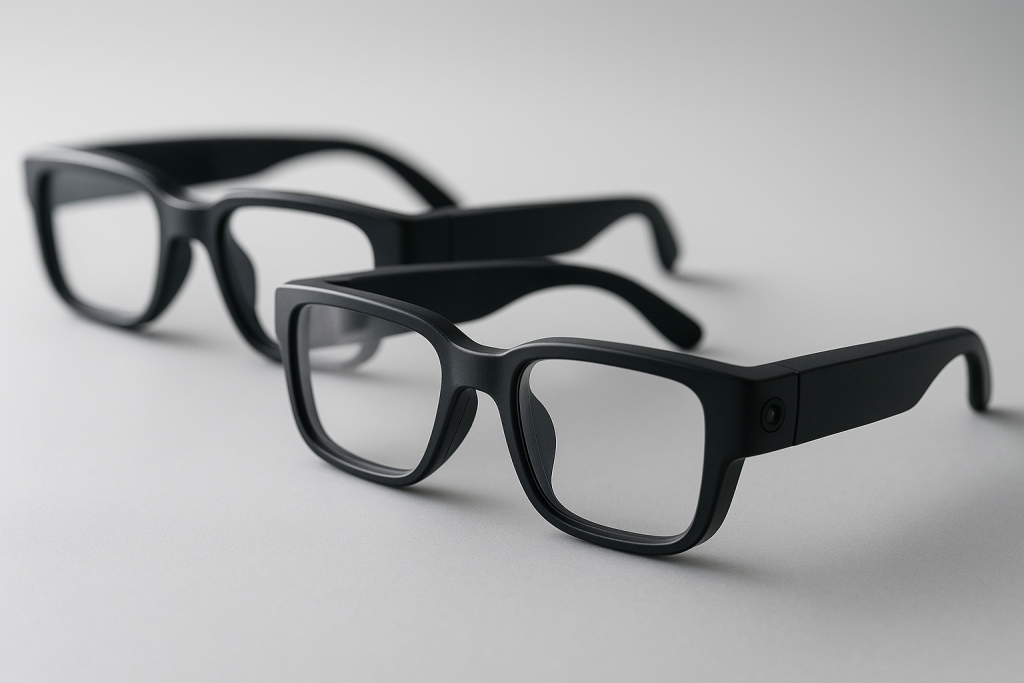
Camera-first frames suit creators, parents, and travelers who want to capture a moment without pulling out a phone. A built-in camera records photo and video from your exact point of view, which is why these frames have become popular with vloggers and anyone who wants their hands free while documenting a hike, a concert, or a child’s first steps. For a closer look at resolution, storage limits, and sharing workflows, see AI Camera Smart Glasses — Hands-Free Capture. If everyday capture is your only requirement, browse the broader Everyday AI eyewear collection for lighter, lower-cost options.
Audio AI Sunglasses for Runners and Commuters
Audio sunglasses suit runners, cyclists, and commuters who want music, calls, and an AI assistant without blocking ambient traffic noise. Open-ear speaker designs push sound past the ear canal instead of into it, so you still hear cars, trains, and the people around you — a meaningful safety advantage over sealed earbuds. See AI Audio Sunglasses — Polarized Open-Ear Sound for a model built specifically around this use case, explore the wider Audio Eyewear range, or check the Sport & Outdoor collection if training performance matters as much as sound quality.
AR Waveguide Display Glasses for Heads-Up Everything
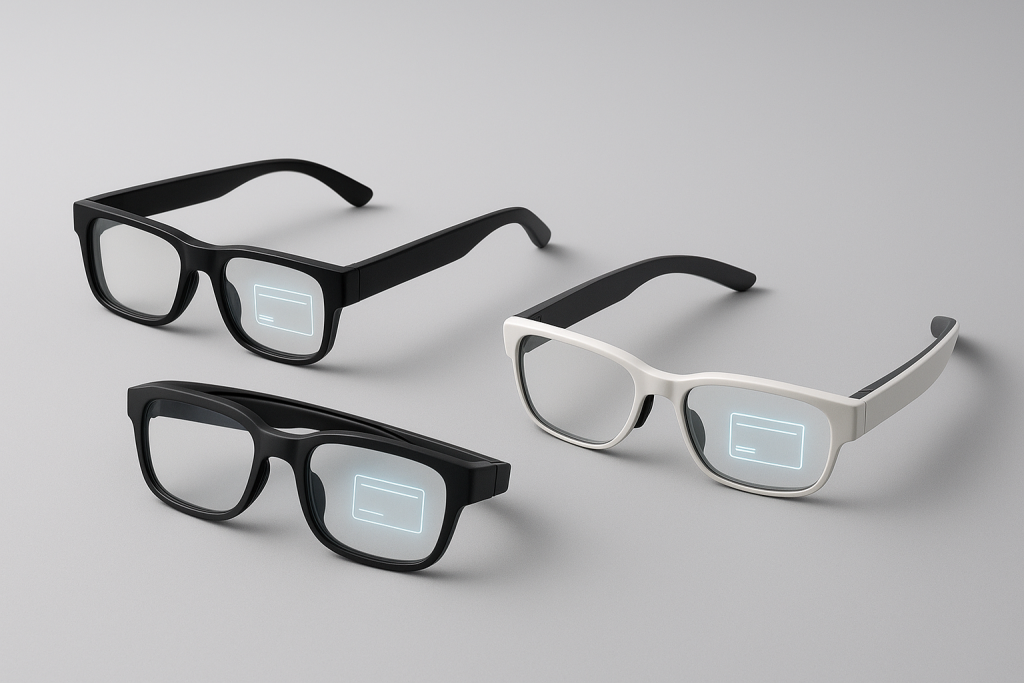
Waveguide display glasses suit anyone who wants navigation, live captions, or a private big-screen monitor on the move. Because the image sits in a waveguide layer rather than a traditional LCD, these frames can show turn-by-turn directions, translated subtitles, or a floating workspace monitor while you still see the real world clearly. Explore the full AR Waveguide Display Glasses — Heads-Up Everything breakdown, or browse the wider Augmented Reality category for every display-equipped model currently available.
Assistive and Translation AI Glasses
Assistive and translation frames target a different need entirely: accessibility and language. Some models read printed text aloud for low-vision users and describe obstacles in the wearer’s path, while others translate spoken conversation into real-time subtitles across dozens of languages. If either use case applies to you, the Assistive AI Vision Glasses — Read, Recognize, Navigate and AI Translation Smart Glasses — Real-Time Subtitles guides go into far more depth than any general roundup ever could.
How to Choose the Best AI Eyewear for You
Rather than comparing spec sheets line by line, work through these five steps in order. Each one eliminates an entire category of AI eyewear that would otherwise waste your money.
- Define your primary scenario first. Decide whether you need hands-free capture, open-ear audio, a heads-up display, or accessibility support, because this single decision immediately rules out two of the four AI eyewear categories and narrows your shortlist dramatically.
- Prioritize comfort and weight above every other spec. Look for frames under 50 grams, titanium or magnesium-alloy temples, adjustable nose pads, and balanced weight distribution, since a front-heavy frame slides down your nose within an hour regardless of how capable the chip inside happens to be.
- Set a realistic battery-life benchmark. Manufacturers quote standby hours, but what actually matters is mixed-use runtime; aim for four to six hours of real use paired with a charging case that delivers two or three extra full charges for a full day out.
- Vet the software ecosystem and privacy controls. Check for regular firmware updates, a companion app that actually supports your phone, prescription lens compatibility, and a visible privacy indicator light that tells bystanders when the camera is recording.
- Match the price to the feature tier you actually need. Audio-only and camera-only frames typically cost far less than waveguide display glasses, so avoid paying for a projected display if captions, navigation, or a floating monitor were never on your wish list in the first place.
AI Eyewear Spec Comparison: What Actually Matters
Comfort decides whether you actually wear your AI eyewear past the first week. Battery life decides whether you trust it for a full day. Everything else is secondary, yet most roundups bury these two specs beneath camera megapixels and marketing language. For a far deeper dive into why reviewers routinely skip these numbers, read Battery Life and All-Day Comfort: The Two Specs Reviews Skip.
- Weight: Under 50 grams is the comfort threshold; anything heavier causes nose-bridge fatigue within an hour.
- Materials: Titanium or magnesium-alloy temples flex without snapping and resist corrosion from sweat.
- Mixed-use battery: Four to six hours of real capture, playback, and voice-assistant use, not idle standby time.
- Charging case capacity: Two to three additional full charges keeps a weekend trip running without a wall outlet.
- Accessories and add-ons: Spare nose pads, polarized clip-ons, and charging docks extend the life of any frame; see the hardware add-ons collection for compatible extras.
- Ecosystem: Firmware updates, companion-app quality, and prescription lens support determine whether the frame survives past month one.
Privacy, Data, and Etiquette for AI Glasses in Public
Because camera-equipped AI eyewear can record without obviously resembling a camera, privacy has become the single biggest objection among non-owners. A visible, hardware-level recording light is non-negotiable; software toggles can be bypassed, but a physical LED cannot be hidden by a firmware update. In addition, check how long the manufacturer retains cloud-processed voice and video data, and whether recordings sync automatically or only on command.
For general guidance on how connected devices should handle personal data, the Federal Trade Commission’s privacy and security guidance is a solid, neutral reference point. Above all, treat recording etiquette the same way you would with a handheld camera: ask before filming identifiable people in private settings, and avoid wearing camera-equipped AI eyewear in locker rooms, restrooms, or other spaces where recording devices are typically banned.
Common Mistakes People Make When Buying Smart Glasses
- Chasing camera megapixels instead of checking real-world comfort and weight distribution.
- Trusting standby-time marketing claims instead of mixed-use battery benchmarks.
- Skipping the prescription-lens compatibility check before ordering a frame that cannot accept your vision correction.
- Forgetting to confirm a hardware privacy indicator exists before wearing camera-equipped frames around others.
- Buying expensive waveguide display glasses when a lighter, cheaper audio-only pair would have met the actual need.
Frequently Asked Questions About AI Eyewear
What is AI eyewear?
AI eyewear is a pair of glasses or sunglasses that adds an onboard processor, microphones, and often a camera to standard optics, allowing the frame to run a voice assistant, capture hands-free photo and video, translate speech, or project a heads-up display.
How long does the battery in AI eyewear typically last?
Most frames deliver four to six hours of mixed real-world use — recording, playback, and voice commands combined — with a charging case supplying two or three additional full charges for a complete day away from an outlet.
Can AI eyewear replace my smartphone?
Not entirely. AI eyewear complements a phone by handling hands-free tasks like capture, translation, and quick voice queries, but it still relies on a paired phone for connectivity, storage backup, and full app functionality in almost every current model.
Is it legal to record video with AI eyewear in public?
In most public settings, recording is legal, but rules vary by country and by location — locker rooms, restrooms, and certain private venues typically prohibit any recording device. Always check local regulations and respect posted signage before filming with camera-equipped AI eyewear.
Does AI eyewear work with prescription lenses?
Many manufacturers now offer prescription-ready frames or swappable lens inserts, but support varies significantly by model. Always confirm prescription compatibility before purchasing, since retrofitting a non-compatible frame afterward is rarely possible.
What is the difference between AI eyewear and AR glasses?
AR glasses are a subset of AI eyewear that specifically includes a waveguide display projecting visual information into your field of view. Broader AI eyewear, by contrast, may skip the display entirely and focus purely on audio, camera capture, or translation features.
Final Verdict: Finding the Right AI Eyewear for You
Ultimately, the best AI eyewear is not the frame with the flashiest spec sheet — it is the one that matches your scenario, stays comfortable all day, and survives on a single charge until you get home. Start by identifying whether you need camera capture, open-ear audio, a heads-up display, or accessibility support, then weigh comfort and battery life before anything else. For a wider look at everything currently shipping, see the future before everyone else, and browse by category to find the pair of AI eyewear built specifically for how you actually live.
Ready to compare frames?
Every listing links straight to Amazon, eBay and AliExpress for live pricing.
Browse the shop