AI Smart Glasses Buying Guide: Features, Fit & Price
An AI smart glasses buying guide helps you cut through marketing hype and compare the specs that actually affect daily use, from display clarity to battery life. Whether you want hands-free camera capture, Ray-Ban-style audio frames, or assistive AI vision glasses for low-vision users, the right pair depends heavily on how you plan to use it. In the sections below, this guide breaks down the core features worth comparing, walks through a simple decision process, and points you toward where to check live prices before you buy.
Quick answer: The best AI smart glasses for most buyers balance display quality, all-day battery life, reliable AI assistant support, and a comfortable, lightweight fit with prescription-insert compatibility. Above all, match these priorities to your main use case, such as hands-free capture, AR display, sports data, translation, or low-vision assistance, before you compare specific models.
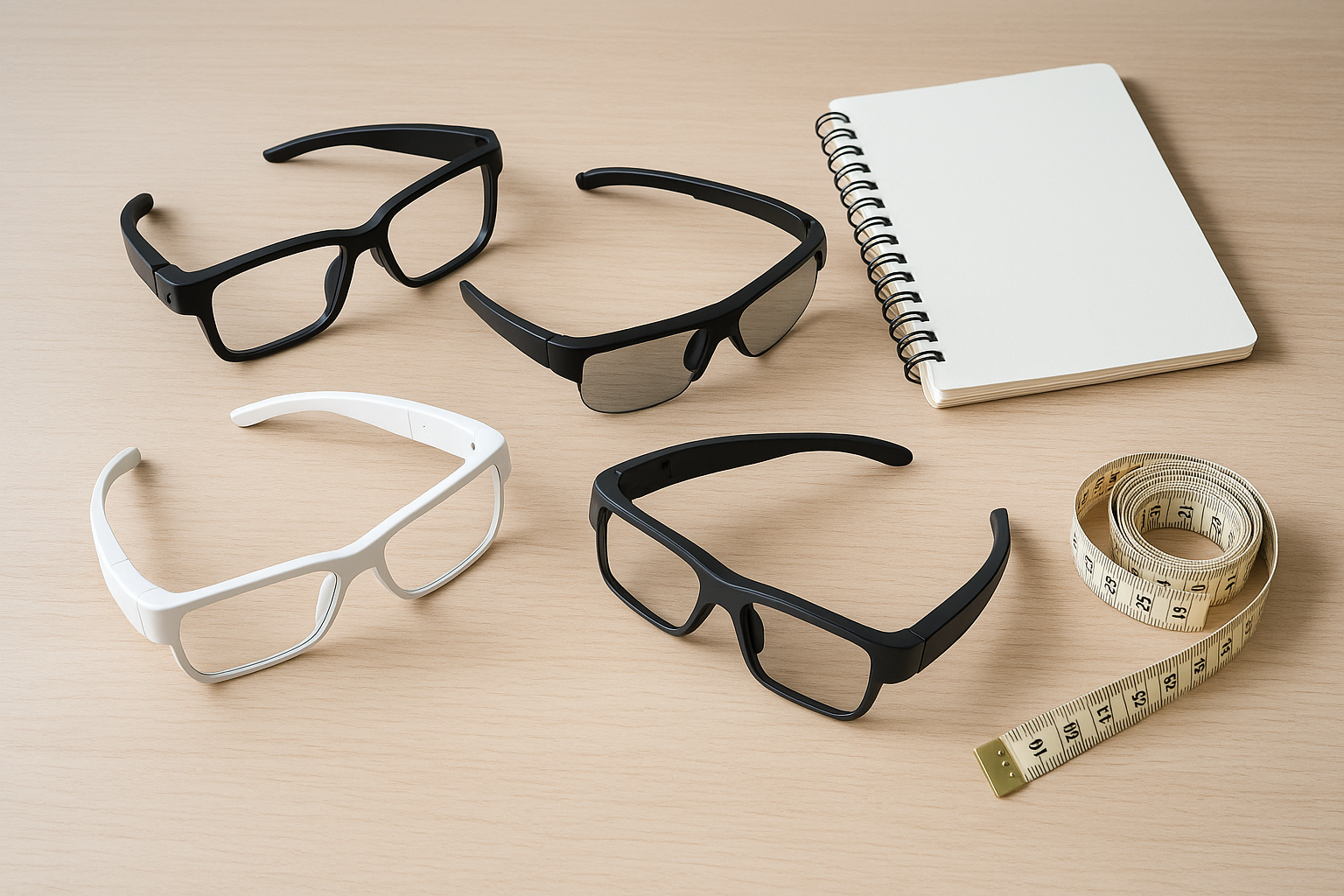
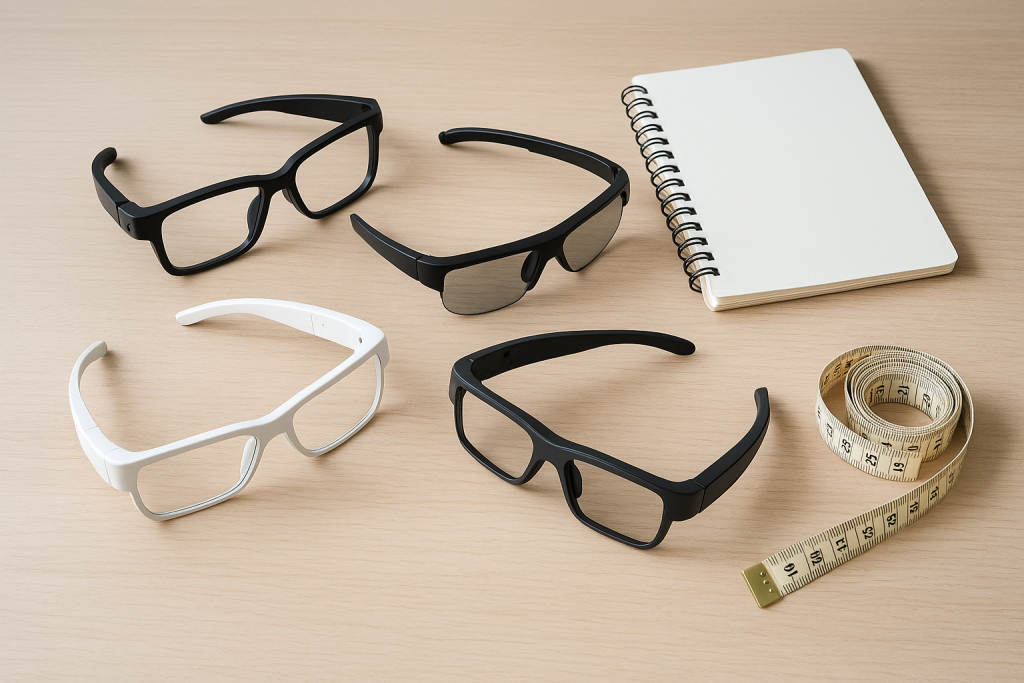
Comparing frame styles side by side is a core step in any AI smart glasses buying guide.
What Is an AI Smart Glasses Buying Guide?
An AI smart glasses buying guide is a structured way to compare eyewear that blends cameras, microphones, speakers, and an onboard or app-based AI assistant into a single frame. Specifically, it focuses on the specs that change how the glasses perform day to day, rather than relying on marketing claims alone.
In practice, that means looking past the sales copy and checking real numbers for display type, field of view, battery runtime, and mic array quality. For a deeper breakdown of what actually matters before you commit, see this detailed look at what actually matters before you buy AI smart glasses in 2026. As a result, you end up choosing a pair suited to your routine instead of one chosen on looks alone.
Key Specs Every Smart Eyewear Shopper Should Compare
Smart eyewear varies enormously between brands, so it helps to break the decision into a handful of concrete categories. In particular, the table below outlines what to look for and why it matters for everyday comfort and performance.
| Spec | What to Check |
|---|---|
| Display type | Audio-only, LED indicator, or full AR waveguide projection |
| Field of view | Degrees of visible overlay for AR models; wider usually means more usable space |
| Battery life | Hours per charge plus total runtime with the charging case |
| Mic array | Number of microphones and wind-noise handling for calls and translation |
| AI assistant support | Built-in assistant, app dependency, and offline functionality |
Display Type and Field of View
Some AI smart glasses skip a visible display entirely and rely on audio and camera input, while others use a waveguide, explained simply as a thin optical layer that routes light into your eye to project images, to overlay directions or notifications. Consequently, if you want AR features, pay close attention to field of view in degrees, since a narrow display can feel cramped during extended use.
Battery Life and Charging
Battery life among current AI smart glasses models typically ranges from 4 to 8 hours of mixed use, with charging cases extending total runtime to roughly 24 to 36 hours. Therefore, commuters and travelers should prioritize fast-charging cases over raw battery capacity alone.
AI Assistant Support and Mic Arrays
A strong mic array matters just as much as the assistant itself, since even the smartest voice model struggles with poor audio capture in windy or noisy environments. In addition, check whether the assistant works offline or requires a constant phone connection, as this affects reliability for translation and reading-aloud features used by assistive vision glasses.
Fit, Weight, and Prescription Inserts
Comfort ultimately decides whether you wear smart glasses daily or leave them in a drawer. For that reason, compare gram weight, nose-pad design, and face-width notes, and confirm prescription-insert availability if you need corrective lenses behind the frame.
How to Choose the Right AI Glasses for Your Needs
Narrowing dozens of options down to one pair is easier with a repeatable process. Below is a straightforward sequence to follow when working through any AI smart glasses buying guide.
- Define your primary use case. Decide whether you mainly want hands-free capture, an AR display, sport data, translation, or assistive reading support before comparing models.
- Shortlist display and camera specs. Compare resolution, field of view, and camera megapixels across a few finalists, since these vary widely even within similar price ranges.
- Check battery life and charging habits. Match expected runtime and charging case capacity to how long you will wear the glasses each day.
- Confirm fit, weight, and prescription options. Review face-width notes, gram weight, and insert availability so the frame stays comfortable for extended wear.
- Compare live prices before buying. Check current listings across multiple retailers on the same day, since pricing can shift quickly during promotions.

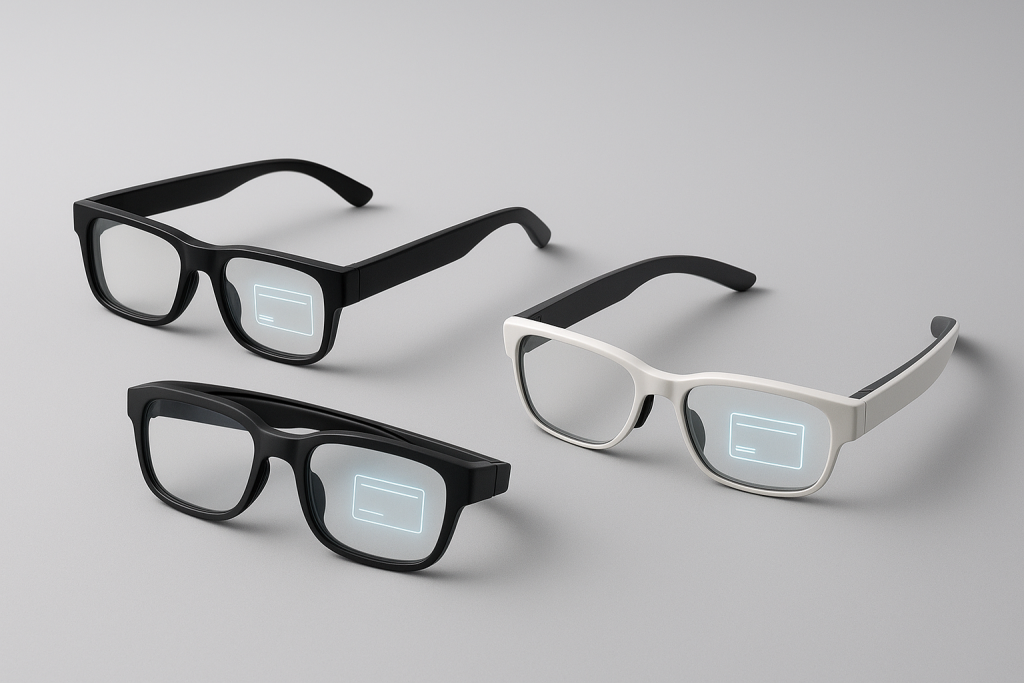
AR waveguide displays overlay information directly in your field of view.
Popular AI Smart Glasses Categories to Consider
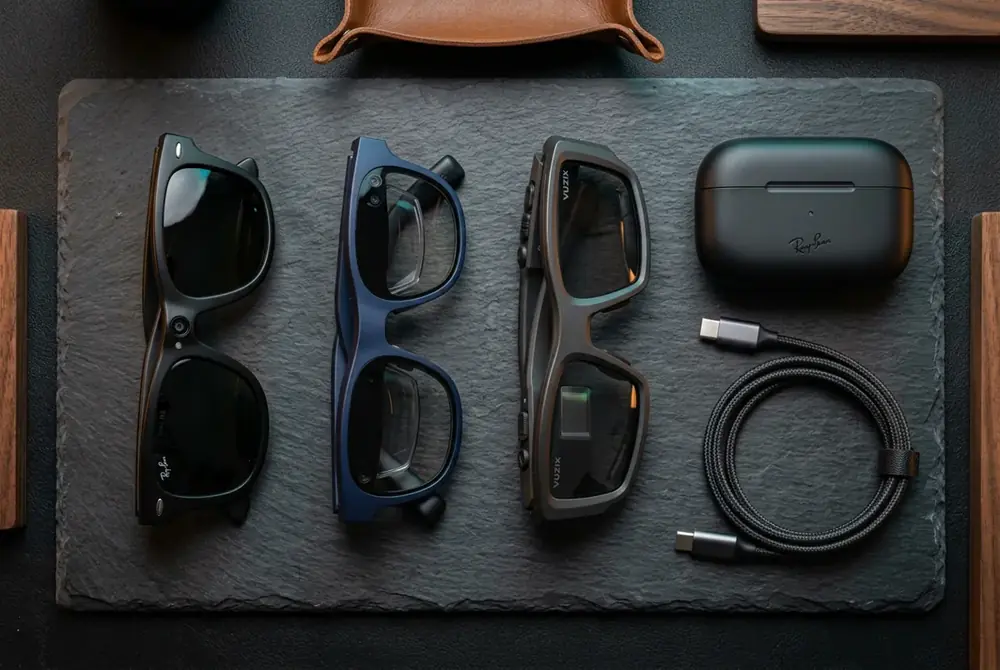
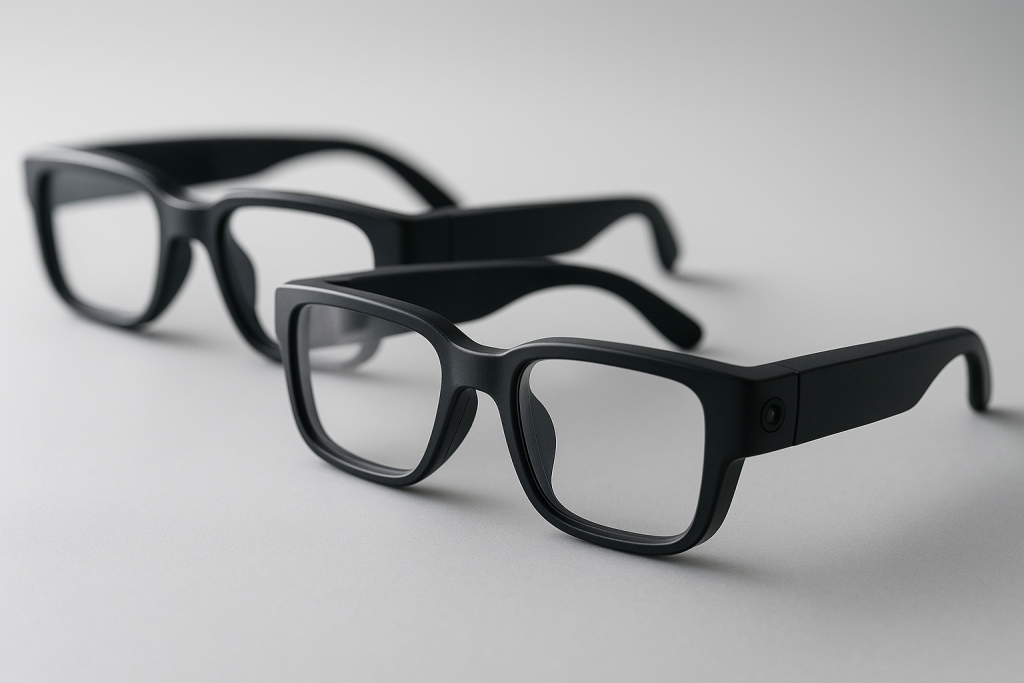
Not every pair of AI-powered eyewear serves the same purpose, so it helps to understand the main categories before narrowing your search. Designer-style frames, modeled after Ray-Ban and Oakley silhouettes, prioritize hands-free camera capture and discreet audio in a familiar shape. For a direct comparison between that category and AR display hardware, this breakdown of Ray-Ban-style AI glasses compared with AR display glasses is a useful next read.
Meanwhile, AR waveguide glasses add a visible overlay for navigation, notifications, and translation subtitles, which suits users who want information without pulling out a phone. Similarly, sport HUD glasses display live performance data such as pace or power output, making them popular with runners and cyclists. In contrast, assistive AI vision glasses focus less on flash and more on function, reading printed text aloud and describing surroundings for low-vision users. You can browse everyday-use options in the everyday AI smart glasses category, including dedicated hands-free AI camera smart glasses listings.
Where to Buy and How to Compare Prices
Once you know which category fits your needs, price comparison becomes the final step. Retailers such as Amazon, eBay, and AliExpress frequently adjust pricing, so checking listings on the same day gives a more accurate picture than relying on memory from a previous search.
According to the Wikipedia overview of smart glasses, the category spans a wide range of hardware, from simple audio frames to full augmented reality devices, which explains why prices vary so dramatically. For a broader look at how augmented displays work in general, the Wikipedia entry on augmented reality offers useful background. If low-vision assistance is your priority, the National Eye Institute’s low vision resource is a helpful starting point for understanding what assistive technology can realistically support. You can also browse daily price tracking directly on aiopticaltechstore.com before making a final decision.
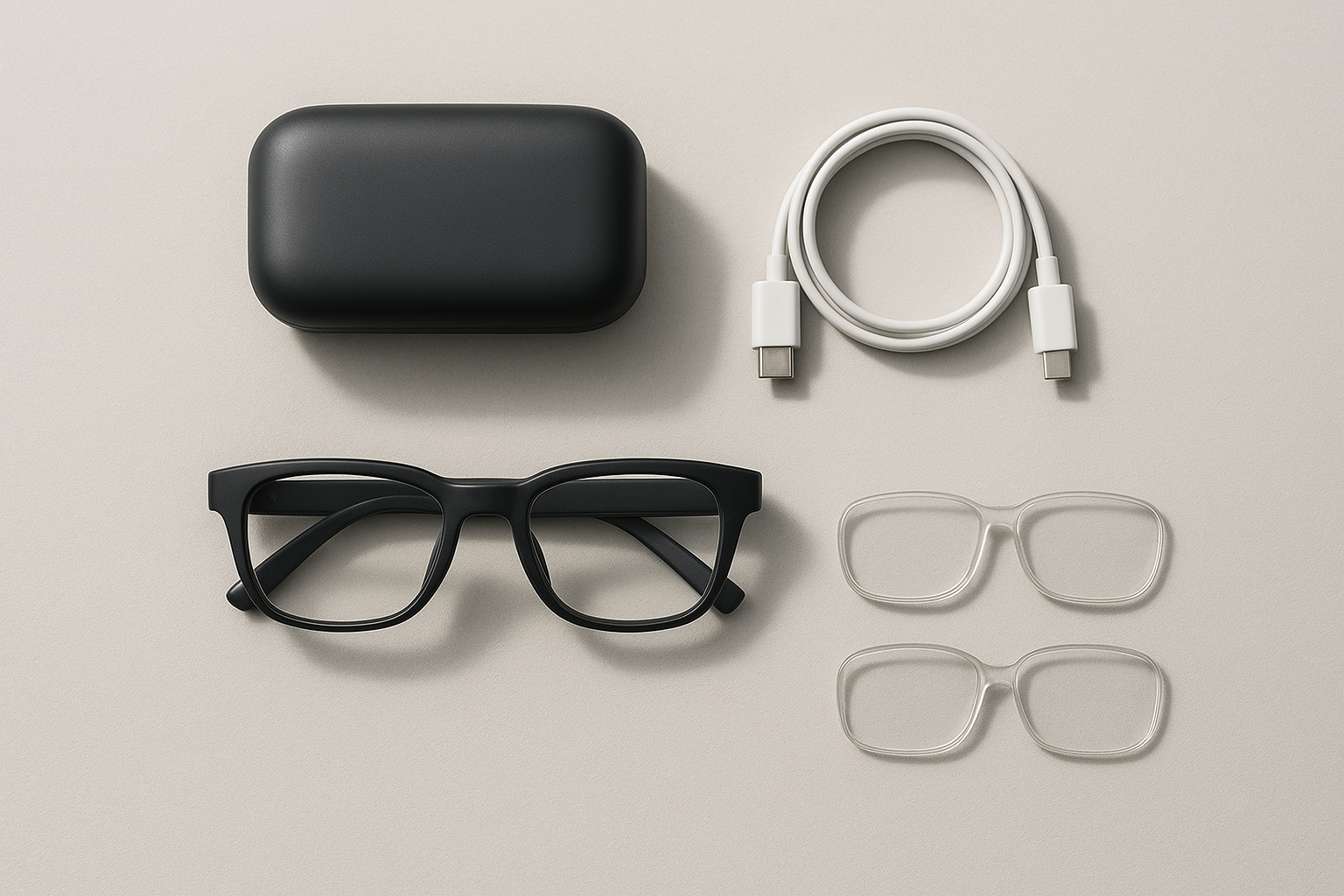
Accessories like charging cases and swap-in lenses affect long-term ownership cost.
Frequently Asked Questions About AI Smart Glasses
What is an AI smart glasses buying guide?
An AI smart glasses buying guide is a structured comparison of specs like display type, battery life, AI assistant support, and fit, designed to help shoppers match a pair of smart eyewear to their actual use case instead of marketing claims.
How much do AI smart glasses cost?
Most AI smart glasses range from roughly $150 for basic audio and camera frames to $500 or more for AR waveguide display models. Prices vary by retailer, so checking live listings on Amazon, eBay, and AliExpress before buying is worthwhile.
How long does the battery last on AI smart glasses?
Battery life typically ranges from 4 to 8 hours of mixed use for camera and audio frames, while the charging case can extend total runtime to 24 to 36 hours. AR display glasses with always-on screens tend to drain faster.
What is the difference between AI smart glasses and AR display glasses?
AI smart glasses usually focus on cameras, microphones, and voice assistants without a visible screen, while AR display glasses add a waveguide or projector that overlays text, directions, or notifications directly in your field of view.
Can I use AI smart glasses with prescription lenses?
Many AI smart glasses support prescription inserts or swap-in lenses that clip behind the frame. However, availability varies by model, so confirm insert compatibility before purchasing if you need corrective lenses.
Are AI smart glasses waterproof?
Most AI smart glasses carry an IPX4 rating, meaning they resist light rain and sweat but are not designed for submersion. Sport HUD models built for runners or cyclists often have stronger water resistance.
What AI assistants work with smart glasses?
Depending on the brand, smart glasses may pair with a built-in voice assistant, a companion smartphone app, or third-party assistants for tasks like translation, navigation, and reading text aloud.
How do translation glasses with subtitles work?
Translation glasses use onboard microphones to capture speech, process it through an AI model, and display real-time subtitles on a small lens projection or send them to a paired app, usually with a short processing delay.
What mistakes do first-time buyers make when choosing AI smart glasses?
Common mistakes include ignoring face-width and gram weight, skipping prescription-insert checks, and choosing a model based on camera megapixels alone instead of battery life and AI assistant reliability.
Are assistive AI vision glasses helpful for low-vision users?
Yes. Assistive AI vision glasses can read printed text aloud, describe surroundings, and identify objects using onboard cameras and AI processing, which can meaningfully support daily tasks for people with low vision.
How long do AI smart glasses take to charge?
Most models reach a full charge in 45 to 90 minutes using the included charging case or cable. Fast-charging frames can often regain a few hours of use from just 10 to 15 minutes of charging.
Which AI smart glasses are best for sports?
Sport HUD glasses with live performance data, sweat resistance, and a secure, lightweight fit tend to work best for running, cycling, and golf, since they display pace, power, or shot data without a phone.
Where can I compare live prices across this AI smart glasses buying guide?
You can compare live prices across Amazon, eBay, and AliExpress listings through spec-first product pages that track pricing daily, making it easier to see which retailer currently offers the best deal.
Final Thoughts on Choosing AI Smart Glasses
Ultimately, this AI smart glasses buying guide comes down to matching specs to real habits rather than chasing the flashiest feature list. Start by defining your main use case, then compare display type, battery life, mic quality, and fit before checking prices across retailers. As a result, you’ll land on a pair that fits both your face and your daily routine, whether that’s hands-free capture, an AR overlay, sport data, translation, or assistive reading support.
Ready to compare frames?
Every listing links straight to Amazon, eBay and AliExpress for live pricing.
Browse the shop